Previously, I covered an article Configure Audio Session for background audio mode (iOS Project). Next step is to show relevant information in Command Center for audio played from your iOS Application.
Let’s start by importing MediaPlayer
import MediaPlayer
Next, place the following code to set now playing information
let image = UIImage(named: "artwork")!
let mediaArtwork = MPMediaItemArtwork(boundsSize: image.size) { (size: CGSize) -> UIImage in
  return image
}

let nowPlayingInfo: [String: Any] = [
  MPMediaItemPropertyArtist: "hashaam.com",
  MPMediaItemPropertyTitle: "Live Streaming Example",
  MPMediaItemPropertyArtwork: mediaArtwork,
  MPNowPlayingInfoPropertyIsLiveStream: true
]

MPNowPlayingInfoCenter.default().nowPlayingInfo = nowPlayingInfo
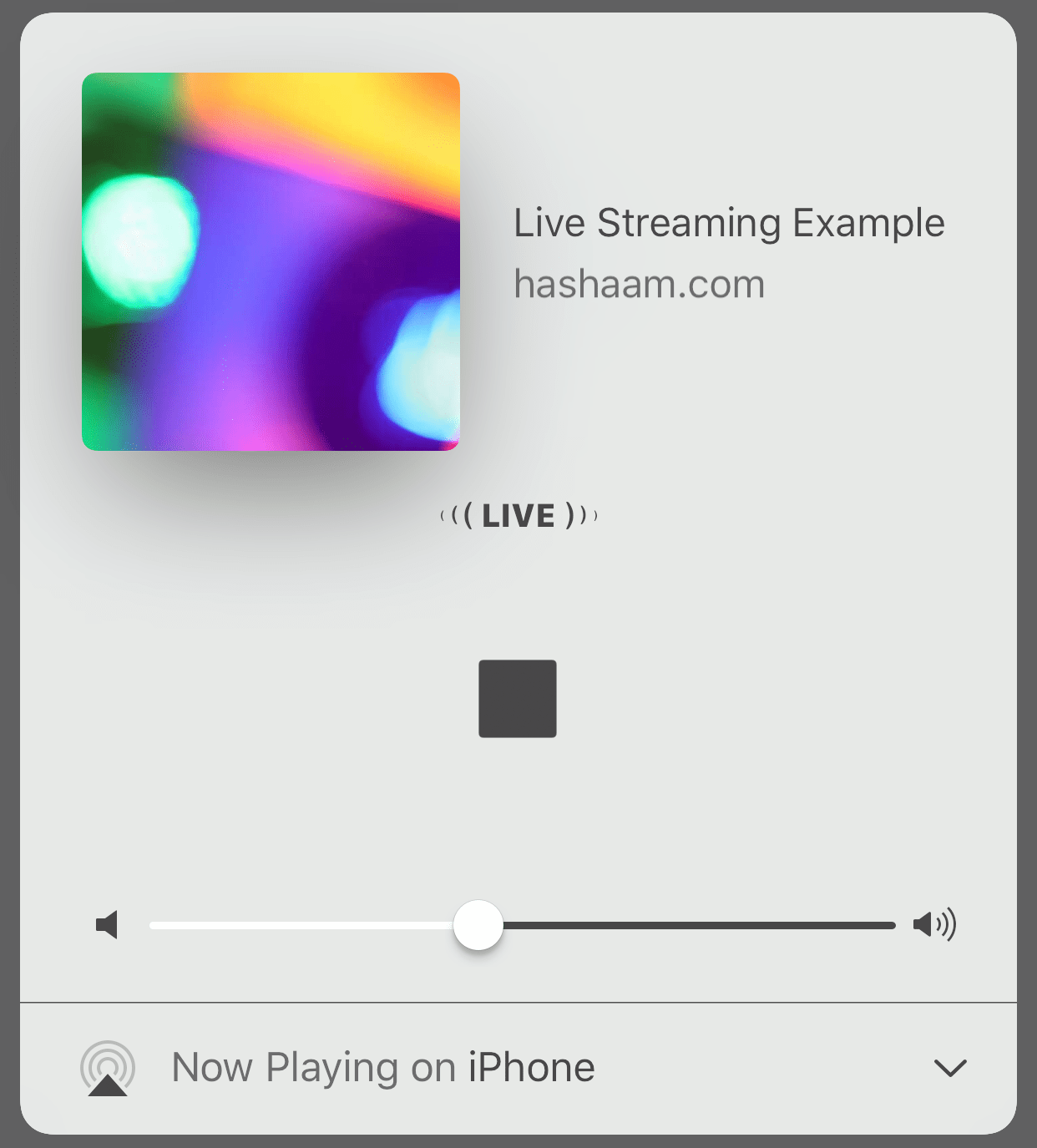
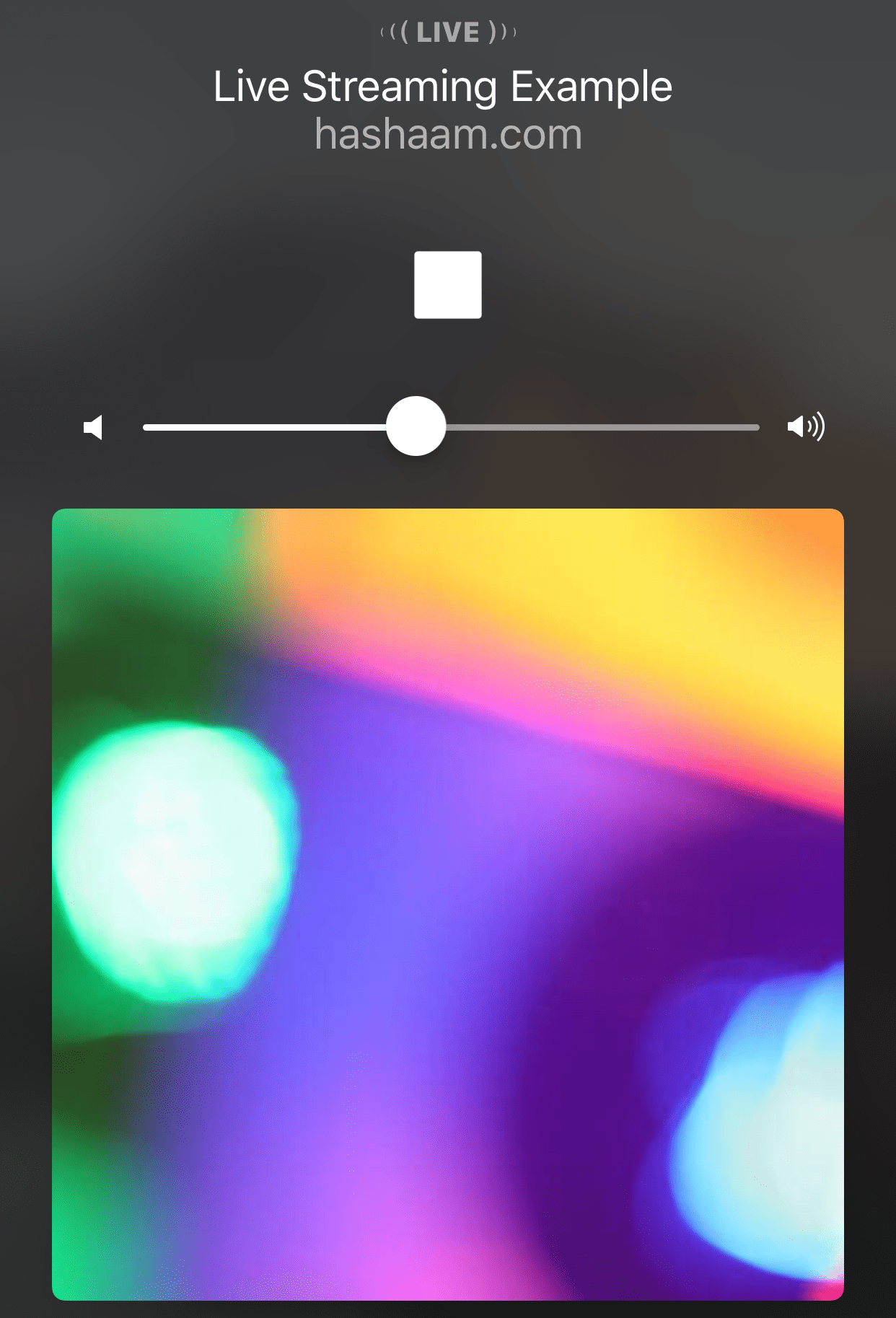
Notice, setting the MPNowPlayingInfoPropertyIsLiveStream to true will show LIVE status in Command Center.
This gives required information to be displayed in Command Center
And also in the lock screen
Here is gist for the example
This file contains hidden or bidirectional Unicode text that may be interpreted or compiled differently than what appears below. To review, open the file in an editor that reveals hidden Unicode characters.
Learn more about bidirectional Unicode characters
| // https://hashaam.com/2017/06/15/display-now-playing-information-in-command-center/ | |
| import UIKit | |
| import MediaPlayer | |
| class ViewController: UIViewController { | |
| override func viewDidLoad() { | |
| super.viewDidLoad() | |
| setupNowPlayingInfo() | |
| } | |
| func setupNowPlayingInfo() { | |
| let image = UIImage(named: "artwork")! | |
| let mediaArtwork = MPMediaItemArtwork(boundsSize: image.size) { (size: CGSize) -> UIImage in | |
| return image | |
| } | |
| let nowPlayingInfo: [String: Any] = [ | |
| MPMediaItemPropertyArtist: "hashaam.com", | |
| MPMediaItemPropertyTitle: "Live Streaming Example", | |
| MPMediaItemPropertyArtwork: mediaArtwork, | |
| MPNowPlayingInfoPropertyIsLiveStream: true | |
| ] | |
| MPNowPlayingInfoCenter.default().nowPlayingInfo = nowPlayingInfo | |
| } | |
| } |
 Elucidating the World Daily
Leave a comment